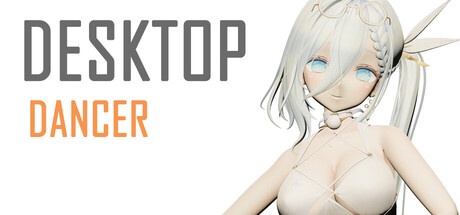
• DesktopDancer PC cover art
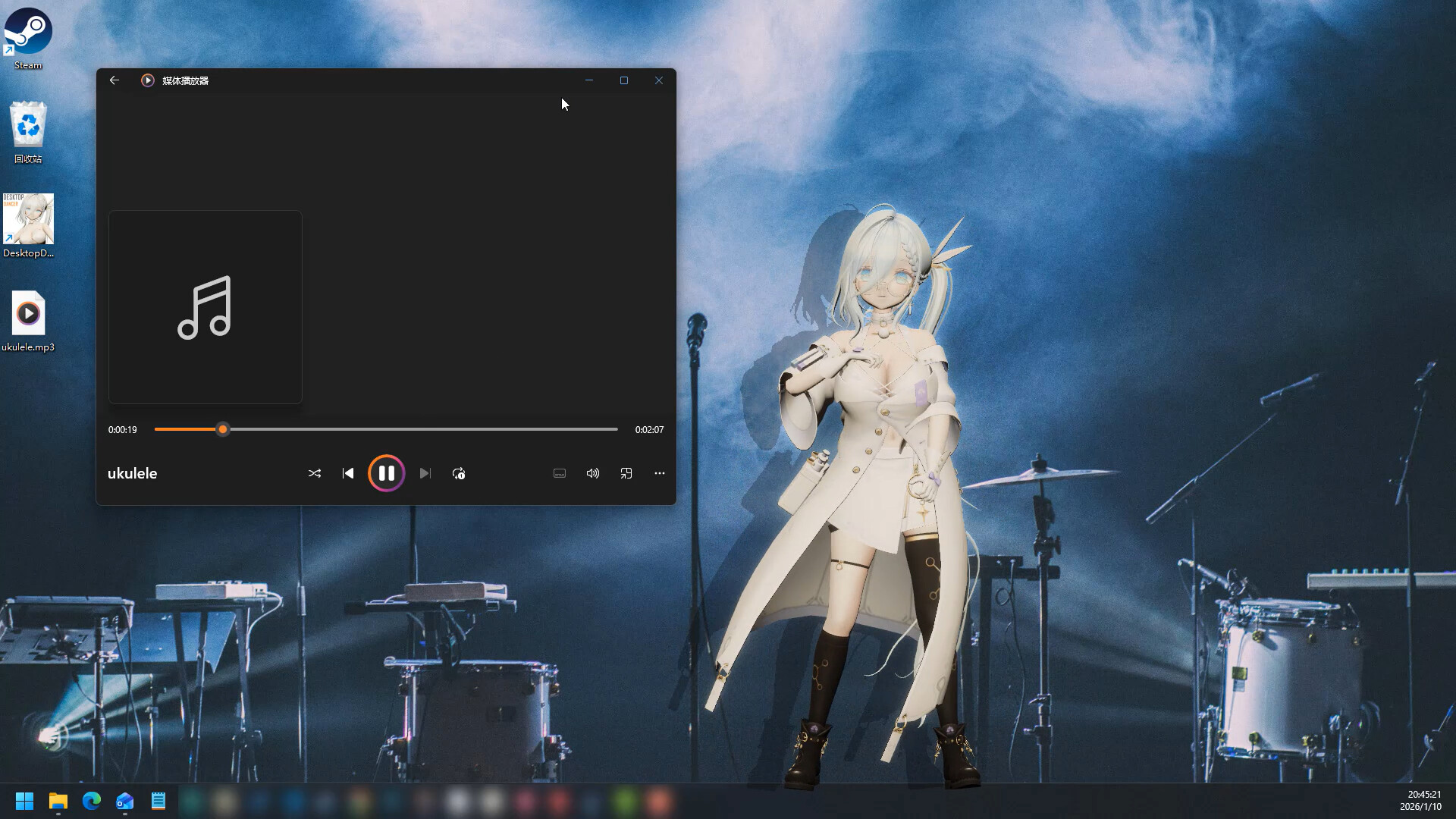
  • DesktopDancer PC gameplay screenshot 1 of 8
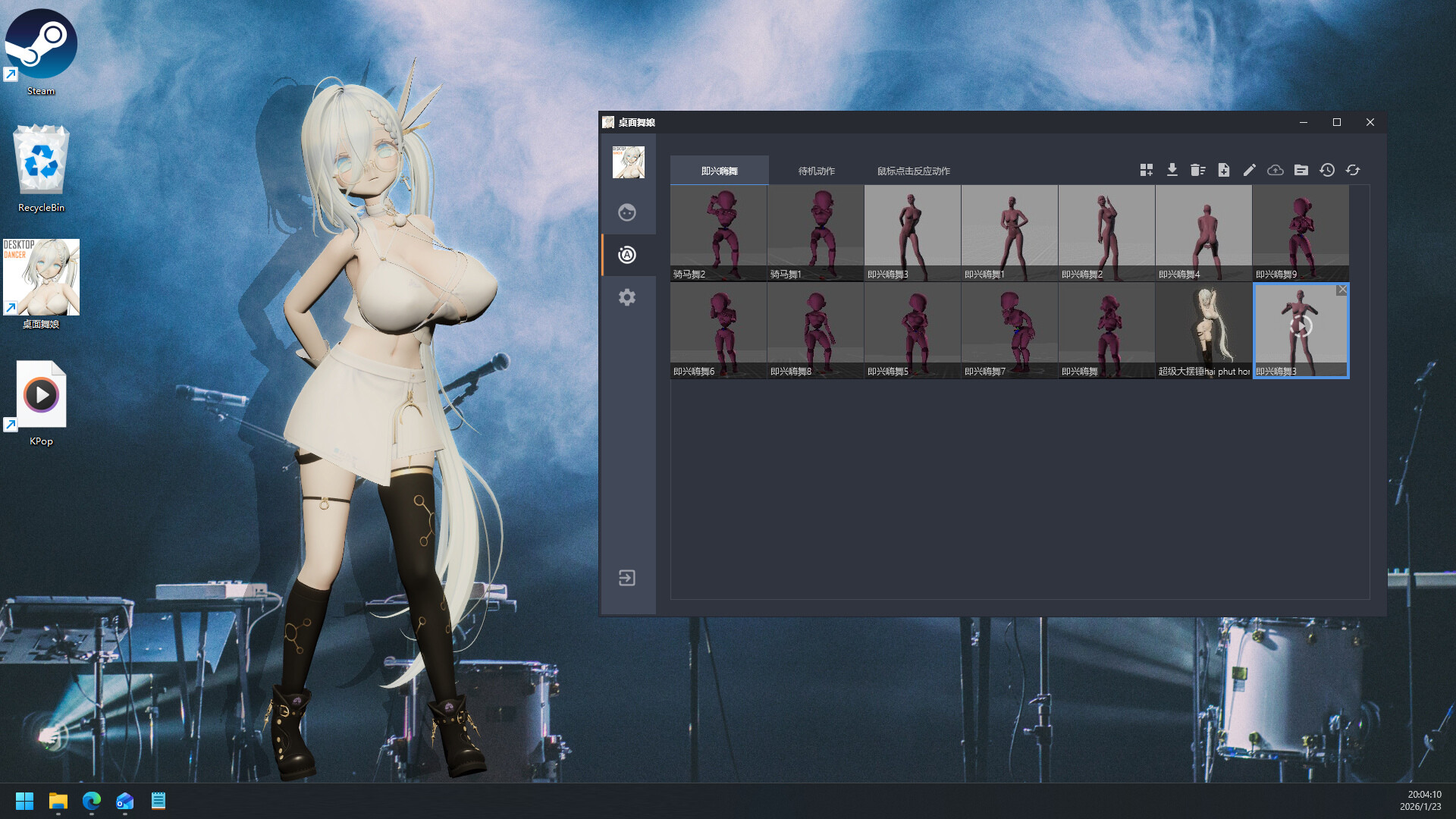
  • DesktopDancer PC gameplay screenshot 8 of 8

DesktopDancer PC Price Comparison

DesktopDancer starts at $3.99. Currently sold by Steam. The lowest price we have tracked is $2.79. Prices last updated .

Compare DesktopDancer Prices Across Stores

DesktopDancer Specs & Game Info

DesktopDancer System Requirements

OSWindows 10,11 or higher
CPUIntel i3 or higher
Memory8 GB RAM
GraphicsHD Graphics 4000 or above
Storage1 GB available space
OSWindows 10,11 or higher
CPUIntel i7 or equivalent
Memory16 GB RAM
GraphicsNVIDIA GeForce GTX 660, AMD HD7870, 2 GB VRAM or above
Storage2 GB available space

DesktopDancer Steam Stats

DesktopDancer hasn't been rated for Steam Deck yet.

Steam Deck
Unknown
Active Players

DesktopDancer Supported Languages

DesktopDancer supports 4 languages, with audio in 4 of them.

Interface and audio languages for DesktopDancer
LanguageInterfaceAudio
EnglishYesYes
JapaneseYesYes
KoreanYesYes
Simplified ChineseYesYes

Best price today

$3.99

Steam

·

Steam

Checked

Poor deal

18
Small or no discount vs. the list price and tracked history.

$1.20

above the all-time low of

$2.79

·Price history

DesktopDancer Price History

The current price of $3.99 is equal to the 7-day and 30-day lows, indicating a strong recent price.

7-day

$3.99

30-day

$3.99

All-time

$2.79

Oct 25Today

$3.99

Lowest recorded DesktopDancer prices

Store and date first seen at this pricePriceDiscount from list price
SteamOfficial ·

$2.79

-30%

About DesktopDancer

DesktopDancer automatically dances to any music on your computer, bringing rhythm and life to your desktop.

DesktopDancer Details

Platforms
  • PC
Release Date
  • February 2, 2026

Developers
Publishers

DesktopDancer Buying and Gameplay FAQs

How much does DesktopDancer cost?

DesktopDancer starts at $3.99 on PC right now.

Where can I buy DesktopDancer the cheapest?

The cheapest price for DesktopDancer on PC is $3.99 at Steam, an official store.

Is DesktopDancer on sale right now?

No, DesktopDancer isn't discounted on PC at the stores we track right now. It's currently $3.99.

What is the lowest price DesktopDancer has ever been?

The lowest recorded price for DesktopDancer on PC is $2.79 at Steam on October 19, 2026.

What is the deal rating for DesktopDancer?

DesktopDancer on PC is rated a poor deal at $3.99, compared with a lowest recorded price of $2.79.

How much is DesktopDancer on Steam?

DesktopDancer is $3.99 on Steam.

Is DesktopDancer single-player only?

Yes, DesktopDancer is listed as a single-player game, with no multiplayer or co-op modes.

Can I play DesktopDancer on Steam Deck?

DesktopDancer hasn't been rated for Steam Deck yet.

What platforms is DesktopDancer available on?

DesktopDancer is available on PC.

When did DesktopDancer come out?

DesktopDancer was released on February 2, 2026.

How much storage space does DesktopDancer need?

DesktopDancer needs at least 1 GB of free storage, with 2 GB recommended.

What are the system requirements for DesktopDancer?

Minimum on Windows: Intel i3 or higher CPU, HD Graphics 4000 or above graphics, 8 GB RAM. Recommended on Windows: Intel i7 or equivalent CPU, NVIDIA GeForce GTX 660, AMD HD7870, 2 GB VRAM or above graphics, 16 GB RAM.

What languages does DesktopDancer support?

DesktopDancer supports 4 languages: English, Japanese, Korean, and Simplified Chinese. Audio is available in English, Japanese, Korean, and Simplified Chinese.

Who developed DesktopDancer?

DesktopDancer was developed by XDesktopSoft.

More Games from the Makers of DesktopDancer

DesktopDancer Patch Notes & Updates

Latest announcement · From the official Steam announcements feed

  • LatestAnnouncement

    Default outfit switching changed to a 50% chance every 30 seconds

    • Optimized character loading speed and visual display.
    • Improved program stability.
    • Default outfit switching changed to a 50% chance every 30 seconds.
    Read on Steam
  • Announcement

    Fixed a slight jitter when changing outfits.

    Fixed a slight jitter when changing outfits.

    Read on Steam
  • Announcement

    Added flat cartoon style of materials to fix unnatural facial shadows

    Added flat cartoon materials to fix unnatural facial shadows, making characters more anime-styled How to use cartoon flat style: Edit a character, go to the Clothing page. Select the clothing item, find the “Face” material in the list…
    Read on Steam
  • Announcement

    Updated to version 2.0, Add Endfield-Style Rendering

    • Updated to version 2.0, Add Endfield-Style Rendering
    • Optimized launch speed and reduced file size
    Read on Steam
Show all 4 updates