

• Liquid Stress PC cover art
  • Liquid Stress PC gameplay screenshot 1 of 5
  • Liquid Stress PC gameplay screenshot 5 of 5

Liquid Stress PC Price Comparison

Liquid Stress is free to play on PC. Play it through Steam. Prices last updated .

Compare Liquid Stress Prices Across Stores

Liquid Stress Specs & Game Info

Liquid Stress System Requirements

CPU2 cores with 1GHz
Memory1 GB RAM
Graphics2GB RAM
Storage150 MB available space
OSWindows 10 or Windows 11
CPU4 cores with 2Ghz or higher
Memory2 GB RAM
Graphics4GB RAM
Storage150 MB available space

Liquid Stress Supported Languages

Liquid Stress supports 1 language.

Interface and audio languages for Liquid Stress
LanguageInterfaceAudio
EnglishYesNo

About Liquid Stress

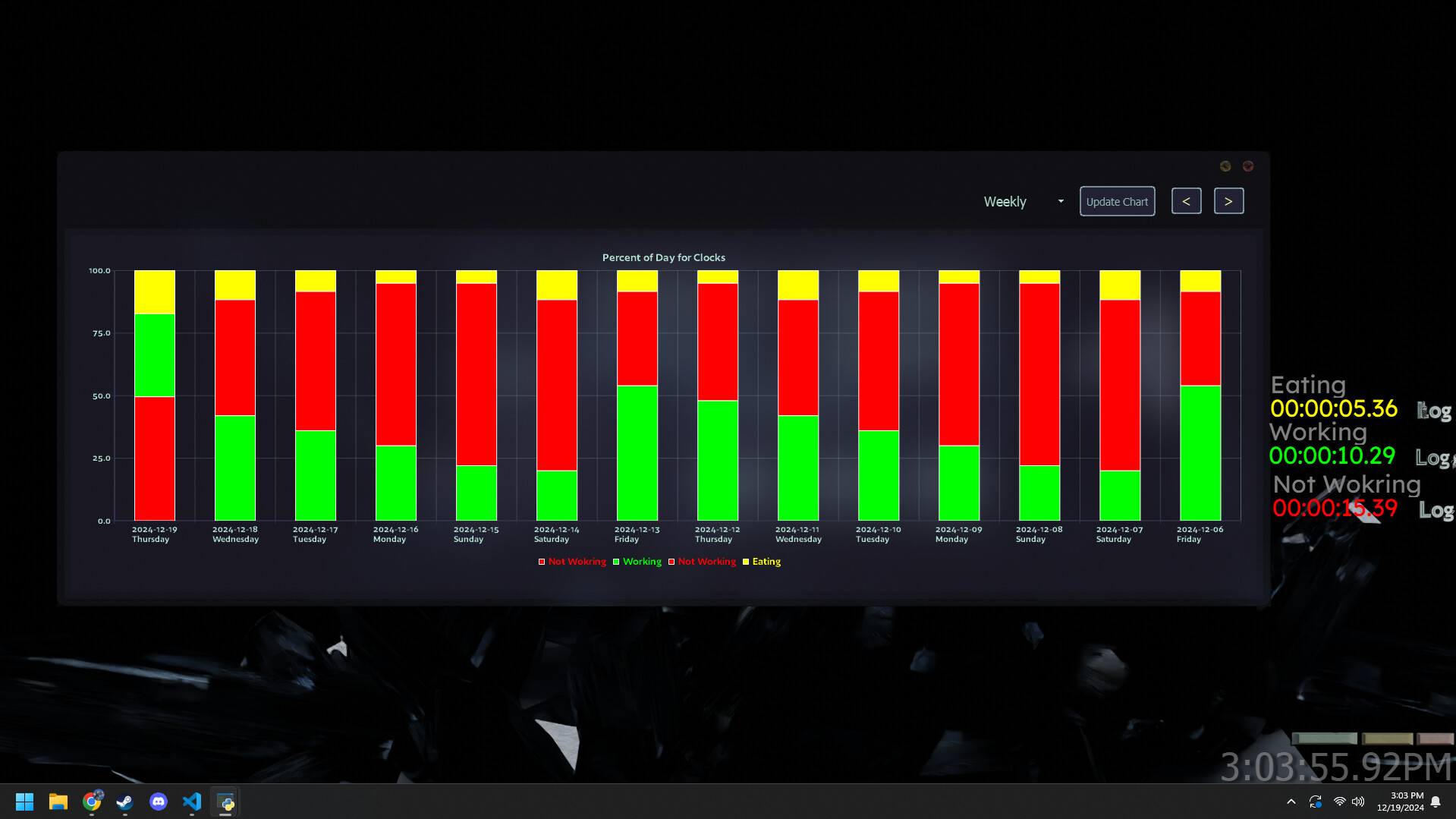
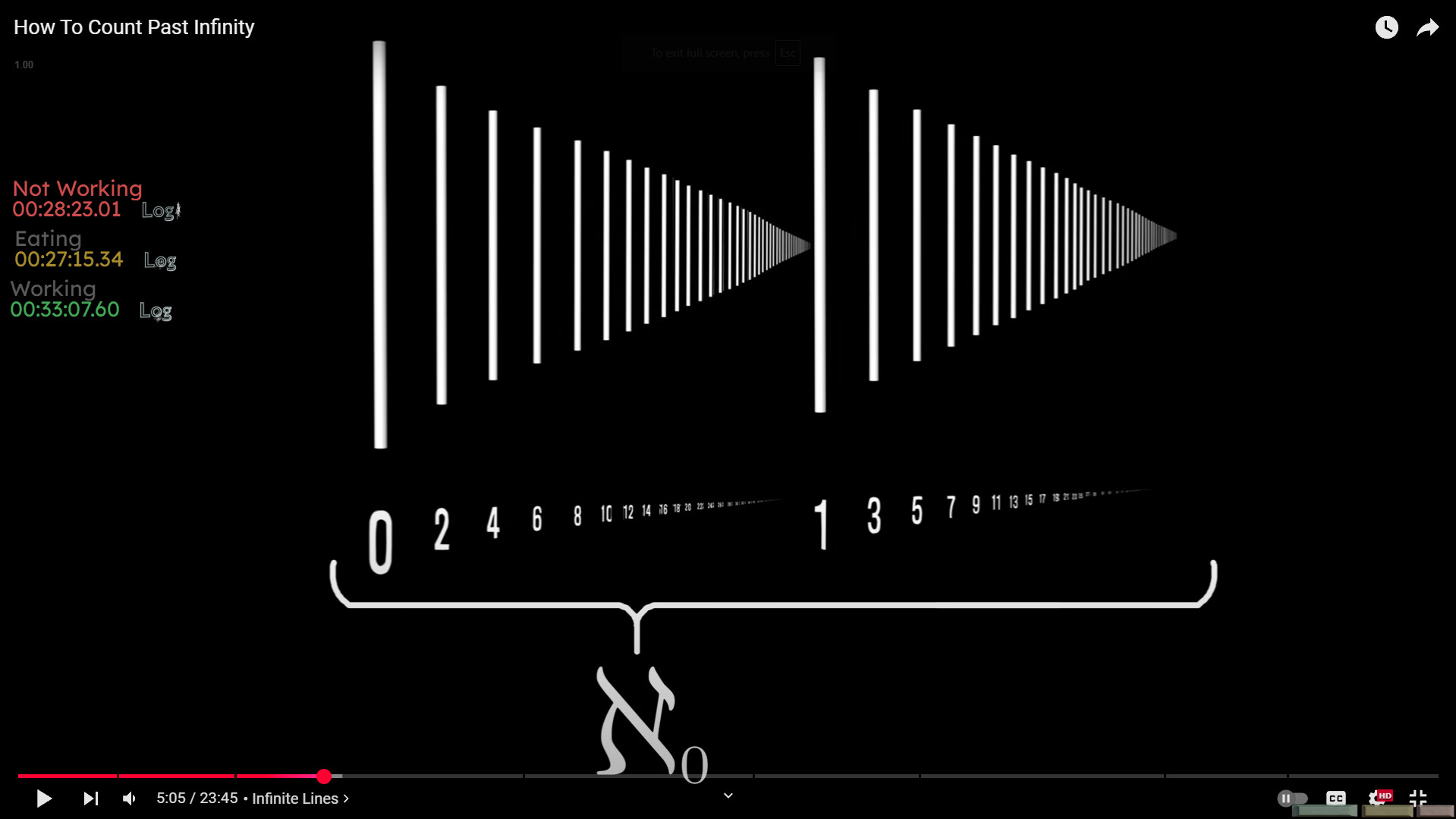
Track custom tasks that you preform in your day to day using timers. Create custom timers that automatically save and allow you to look back on your stats and productivity using graphs and pie charts "The first step of making progress is tracking progress. If you don't track, you don't care."-Harmoz

Liquid Stress Details

Platforms
  • PC
Release Date
  • -

Patch Notes
Developers
Publishers
System

Liquid Stress Buying and Gameplay FAQs

Is Liquid Stress free to play?

Yes, Liquid Stress is free to play on PC and available from Steam.

What platforms is Liquid Stress available on?

Liquid Stress is available on PC.

How much storage space does Liquid Stress need?

Liquid Stress needs at least 150 MB of free storage.

What are the system requirements for Liquid Stress?

Minimum on Windows: 2 cores with 1GHz CPU, 2GB RAM graphics, 1 GB RAM. Recommended on Windows: 4 cores with 2Ghz or higher CPU, 4GB RAM graphics, 2 GB RAM.

What languages does Liquid Stress support?

Liquid Stress supports English.

Who developed Liquid Stress?

Liquid Stress was developed by Liquid Stress.

Liquid Stress Patch Notes & Updates

Latest patch notes · From the official Steam announcements feed

  • LatestAnnouncement

    IMPORTANT

    -You can now activate and switch between timers using Alt + t and you can hide everything using Alt + h -SORRRY if all your data up until this point gets wiped I had to start saving it to a different place to get steam cloud sync to work…

    Read on Steam
  • Patch notes

    Quality Of life Update

    • I got rid of the refresh button cuz it was redundant
    • I made add and exit buttons smaller and now you can drag it wherever you want
    • If you get any weird glitches with add and exit button positions just reset it by deleting mainButtonPosition.pkl
    Read full patch notes on Steam

This website uses cookies to enhance your browsing experience, analyze site traffic, and personalize content. By using this site, you agree to the use of cookies.