


-75%

Richman 11
PC
·Driffle
+2 more
$4.60
$18.99

Sword and Fairy 4 starts at $12.99. Currently sold by Steam. The lowest price we have tracked is $8.44. Prices last updated .
Sword and Fairy 4 supports 1 language, with audio in Traditional Chinese.
| Language | Interface | Audio |
|---|---|---|
| Traditional Chinese | Yes | Yes |
Sword and Fairy 4 takes about 20 hours to beat, or 42 hours to complete everything.
Sword and Fairy 4 is rated Unsupported on Steam Deck.
 Unsupported
Best price today
$12.99
Steam
·Steam
Checked
We may earn a commission.
Poor deal
The current price of $12.99 is equal to the 7-day and 30-day lows, indicating a strong recent price.
$12.99
$12.99
$8.44
$12.99
| Store and date first seen at this price | Price | Discount from list price |
|---|---|---|
| SteamOfficial · | $8.44 | -35% |
Well rated
Sword and Fairy 4 scores 75/100, based on player ratings on Steam (33 reviews). Steam33 reviews
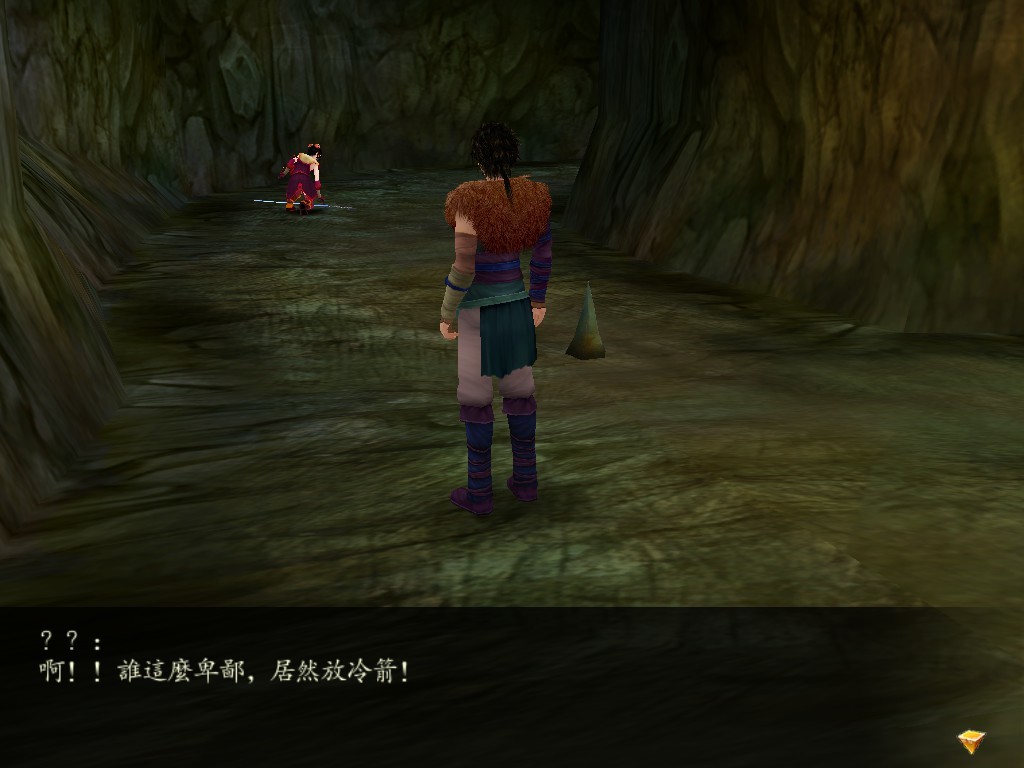
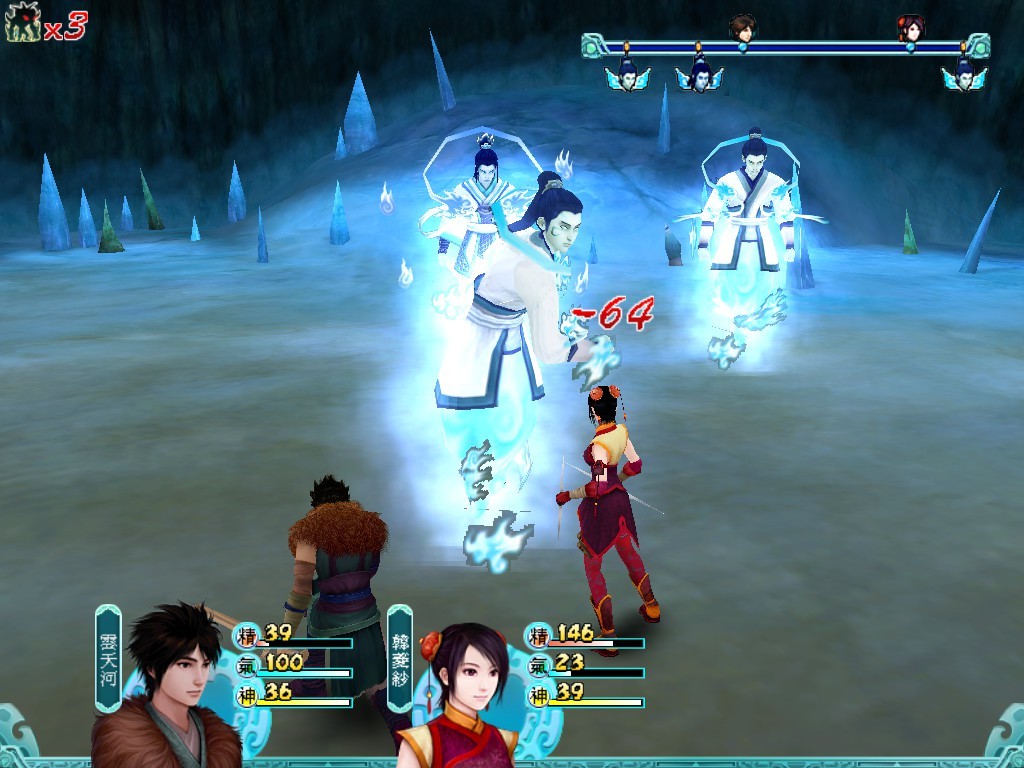
You explore ancient Chinese landscapes and mystical realms in this single-player RPG where characters pursue immortality through quests involving pigs and tombs. Combat relies on unique magic systems with five elemental spirits, while crafting mechanics allow forging weapons using molten metal and souls. Romance storylines feature complex relationships between main characters, and dialogue includes voice acting for the four protagonists. Mini-map tools help navigate mazes and mark locations as you progress.
Sword and Fairy 4 takes about 20 hours to finish the main story, around 22 with extras and about 42 for a completionist run. It is not supported on Steam Deck. Development is by SOFTSTAR TECHNOLOGY, and SOFTSTAR ENTERTAINMENT handles publishing.
June 17, 2021
Sword and Fairy 4 starts at $12.99 on PC right now.
The cheapest price for Sword and Fairy 4 on PC is $12.99 at Steam, an official store.
No, Sword and Fairy 4 isn't discounted on PC at the stores we track right now. It's currently $12.99.
The lowest recorded price for Sword and Fairy 4 on PC is $8.44 at Steam on December 30, 2025.
Sword and Fairy 4 on PC is rated a poor deal at $12.99, compared with a lowest recorded price of $8.44.
Sword and Fairy 4 is $12.99 on Steam.
Yes, Sword and Fairy 4 is listed as a single-player game, with no multiplayer or co-op modes.
No. Sword and Fairy 4 is rated Unsupported on Steam Deck, so it isn't expected to run properly on the handheld.
Sword and Fairy 4 is available on PC.
Sword and Fairy 4 takes about 20 hours to beat, or 22 hours with extras and 42 hours to complete everything.
Sword and Fairy 4 was released on June 17, 2021.
Sword and Fairy 4 needs at least 3 GB of free storage.
Minimum on Windows: Intel Core Duo2 3.0Ghz or AMD equivalent (or better) CPU, Geforce 4 (63 MB or Better) graphics, 512 MB RAM.
Sword and Fairy 4 supports Traditional Chinese. Audio is available in Traditional Chinese.
Sword and Fairy 4 was developed by SOFTSTAR TECHNOLOGY(SHANGHAI) and published by SOFTSTAR ENTERTAINMENT.
Sword and Fairy 4 has a Steam rating of Mostly Positive from 33 reviews.
PC
·Driffle
+2 more
$4.60
$18.99

PC
·Driffle
+3 more
$3.52
$13.99

PC
·K4G
+1 more
$10.29
$14.99

PC
·Steam
$11.99

PC
·Steam
$7.99

PC
·Steam
$4.99

PC
·Steam
$5.99

PC
·Steam
$4.99
Latest patch notes · From the official Steam announcements feed
在Steam版中,您的系统显示文字与Steam语言选项必须一致,游戏文字才能正常显示。 请打开控制面板 --> 时钟、语言和地区,选择 地区及语言, 非Unicode程序目前使用的语言,请选择 中文(繁体,台湾) ,这里请注意,此选项并非是语言及地区,而是非Unicode程序使用语言。仅仅调整语言及地区是无效的。 再进入游戏,即可正常显示。